Effortless End-to-End Encrypted Backups for Your Critical Data

Open-Source, Self-Hosted Backup Solution That Puts You in Control

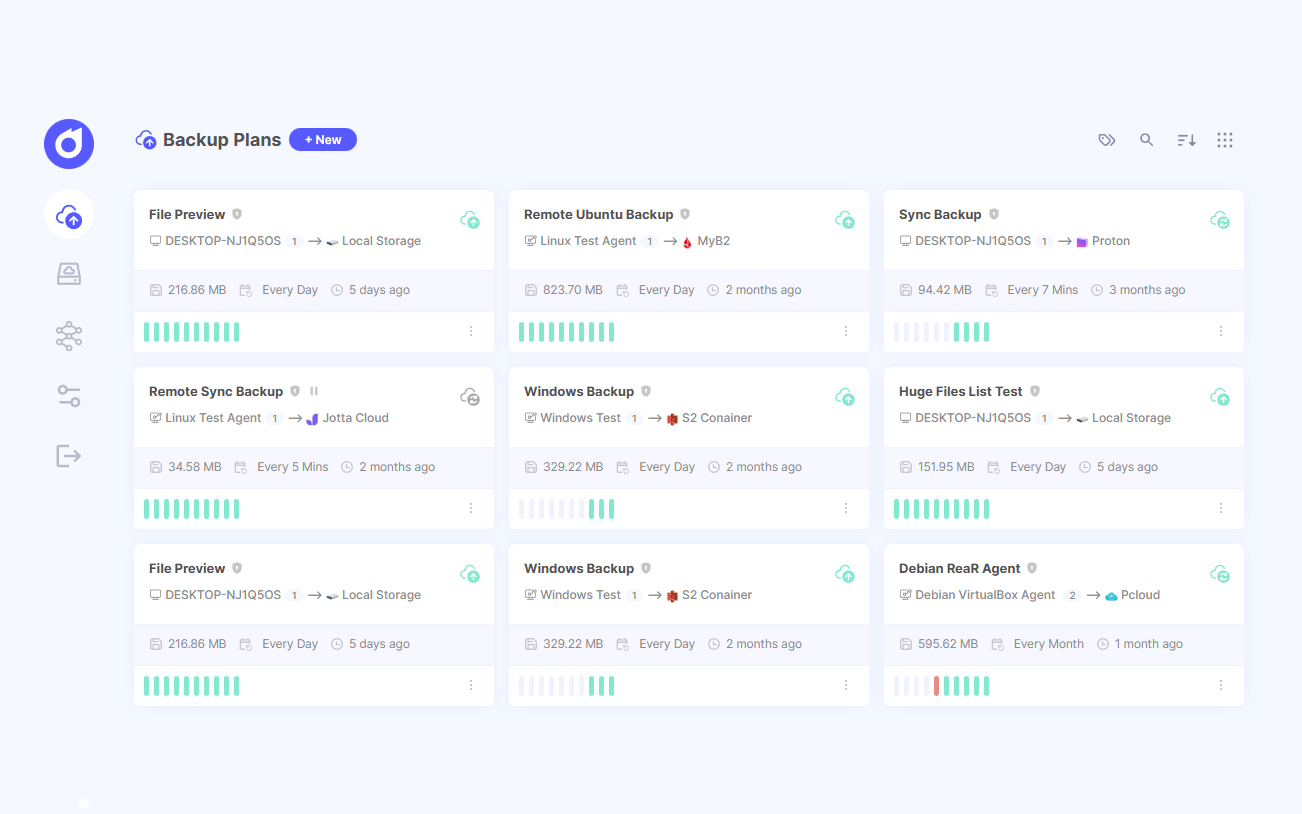
Pluton Backup Solution Screenshot

Designed for Power, Built for Simplicity

3-2-1 Backup Strategy Made Simple

3-2-1 Backup Strategy Made Simple

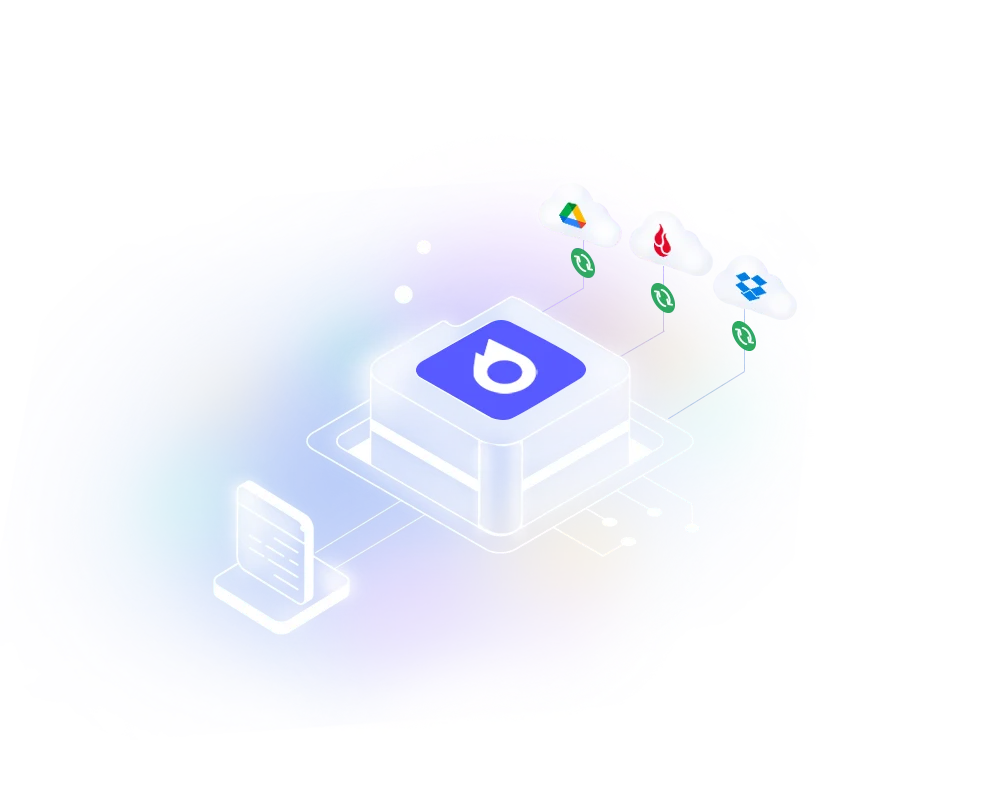
Effortlessly implement the 3-2-1 backup strategy with Pluton's backup replication feature, ensuring your data is always protected with multiple copies across different storages.
Automated & Efficient Backups

Automated & Efficient Backups

Set up periodic, incremental backups that only save the changes, minimizing storage usage and transfer times. Pluton's scheduler automates the entire process, so you can set it and forget it.
Ironclad Encryption & Compression

Ironclad Encryption & Compression

Your data is encrypted on your device before it's uploaded and compressed to save valuable storage space. Pluton uses the robust and proven Restic engine to keep your data private and secure.
Simple, Intuitive Interface

Simple, Intuitive Interface

Manage everything from a single, clean interface. Create backup plans, monitor progress, and restore with a few clicks.
Own Your Backup Infrastructure

Own Your Backup Infrastructure

As a self-hosted, open-source solution, Pluton gives you complete control. Your data never passes through third-party servers. It's lightweight, requires minimal system resources, and can be deployed anywhere via Docker or as a standalone executable.

Connect Any Cloud Storage

Effortlessly connect to over 70 cloud storage providers, including Amazon S3, Backblaze B2, Google Drive, and more. View Supported Storages

storage integrations

More Features to Love

Real-time Progress

Monitor the progress of your backups in real-time, ensuring you are always aware of the status of your data protection.

Fast & Easy to Load

Designed to run on low-resource hardware, including single-board computers, with a minimal memory footprint of just 50MB when idle.

Smart Retention Policies

Automatically manage your storage space by defining flexible rules to keep, prune, and rotate old backup snapshots according to your needs.

Effortless Data Restoration

Restore entire snapshots or select specific files and folders to their original location or a custom path using a simple, guided wizard.

Deploy Anywhere

Host Pluton easily using the provided Docker image or run it as a standalone executable on any major operating system.

In-Depth Logging

Access detailed, real-time logs for every backup and restore job, allowing for easy diagnosis and troubleshooting of any issues.

No Vendor Lock-In

Your data is stored in an open, accessible format. Easily migrate between over 50 cloud providers without being tied to a single ecosystem.

Two Factor Authentication

Enhance the security of your backups with two-factor authentication (2FA), requiring an additional verification step during login.

Direct Snapshot Downloads

Easily download a complete snapshot of your backup as a TAR file directly from the UI for offline access or archival purposes.

Browse Your Backups

Explore the contents of your backup snapshots directly within the UI, just like a regular file manager, before initiating a restore.

Auto Retry Logic

Automatically retry failed backup jobs according to your configured policies, ensuring your data is protected without manual intervention.

Powerful Automation with Scripts

Execute custom scripts before or after your backup jobs to perform actions like creating a database dump or running system cleanups.
Backup Notification integration

Instant Backup Notifications

Stay in the Loop with Multi-Channel Notifications

A failed backup you don't know about is a disaster waiting to happen. Pluton ensures you're the first to know the status of your backups, providing instant alerts for every success, start, and failure.

  • Get immediate push notifications or emails if a backup hits a snag
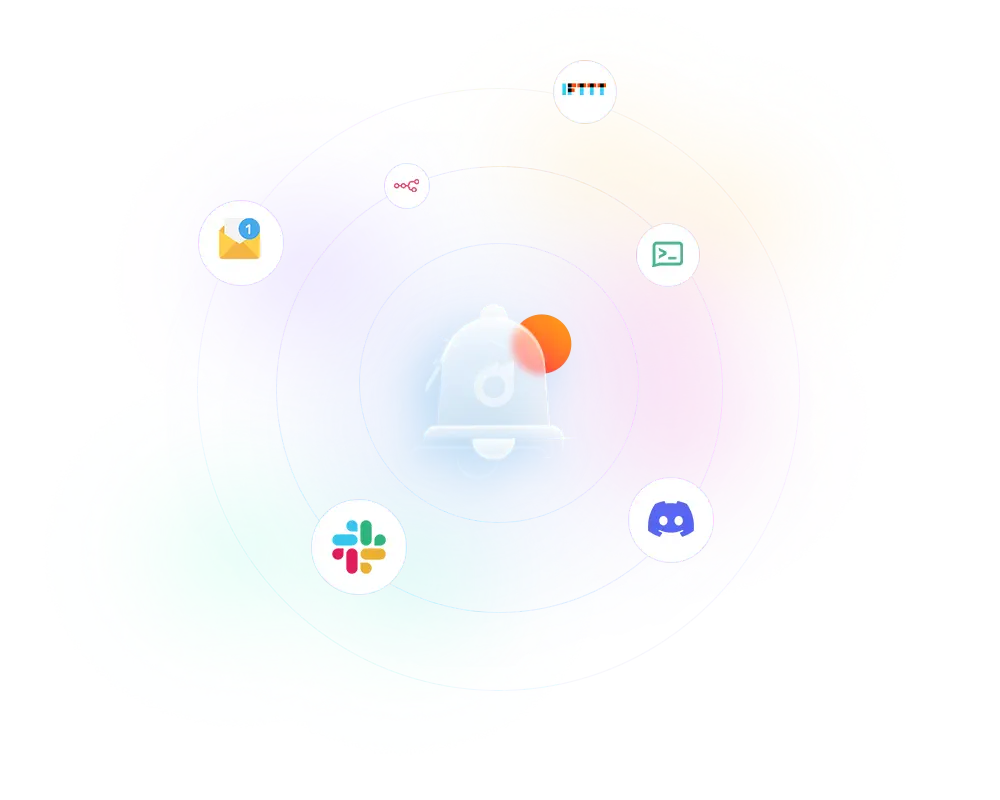
  • Get notified via Slack, Discord, Email, or NTFY push notifications
  • Track backup events without opening the app

Tired of Complex Backup Solutions? Start Your First Backup in Under Minutes

  • Install Pluton in minutes
  • Connect Your Cloud Storage
  • Create your first backup job